Purpose-built products
Each capability follows its own operational journey rather than forcing every team into one generic process.

 A CONNECTED PUBLIC-SECTOR SUITE
Bring budgeting, supplier qualification, eTendering, internal service operations and citizen-facing eServices into one modular platform, built around the work government teams and communities rely on.
Choose one product, several, or a connected suite.
Five focused products address distinct public-sector responsibilities, from internal planning to citizen services. Use them individually or define a broader connected scope.
Each capability follows its own operational journey rather than forcing every team into one generic process.
Link budgets, supplier information, procurement, service operations and digital channels where the organization needs them to work together.
Select the products, workflows and integrations that fit the organization and its service responsibilities.
Explore the responsibilities each product supports. The process labels below are illustrative summaries, not promises of a fixed approval path.
Structure departmental proposals as budget projects. Capture annual amounts, document requirements and supporting files in a workspace designed for budget preparation and review.
Maintain a central supplier registry with self-service registration, document submission, qualification and compliance records that can inform vendor participation in eTendering.
Digitize the eTendering journey from procurement needs and tender announcements through bid review, evaluation and award, with stage information and records available to the relevant participants.
Bring service requests, case context, enterprise assets, inventory and procurement needs into a connected workspace for internal support teams.
Design and manage digital services for citizens and businesses through service catalogs, configurable forms and case workflows. The platform covers web and mobile experiences, service tracking, notifications, and additional channels such as kiosks, chatbots and call centers.
These examples show how shared information and service context connect teams, without requiring every organization to use the same setup.
Carry budget context and fund checks into procurement planning and spending decisions.
Use supplier registration and qualification records to inform tender participation.
Connect internal service-desk context with digital service cases where the operating model calls for it.
The architecture combines Microsoft Dynamics 365 and Power Platform with Azure services for data, storage, analytics, identity and governance. Confirm the right composition for each organization.
The suite follows a PaaS-first Azure approach with an Azure Consumption/MAC model for service consumption and governance. The platform stack includes Dataverse, Azure Blob Storage, Azure Data Lake and Power BI, alongside identity, Key Vault, monitoring and policy services.
Architecture and service choices depend on scope, licensing, information governance and data-residency requirements. Not every component is deployed in every engagement.
Copilot Studio and Azure OpenAI for guided answers and service inquiries grounded in approved information.
Azure AI Document Intelligence for extracting structured details from forms, certificates and submissions.
Document-grounded suggestions to help populate fields in digital service and business workflows.
Azure Machine Learning and Power BI for analysis across budgets, procurement activity and service demand.
These AI use cases are examples; availability, governance and human review depend on the approved solution design.
Explore the screens for each module. Open any image for a full-size view and a short description of the workflow it represents.
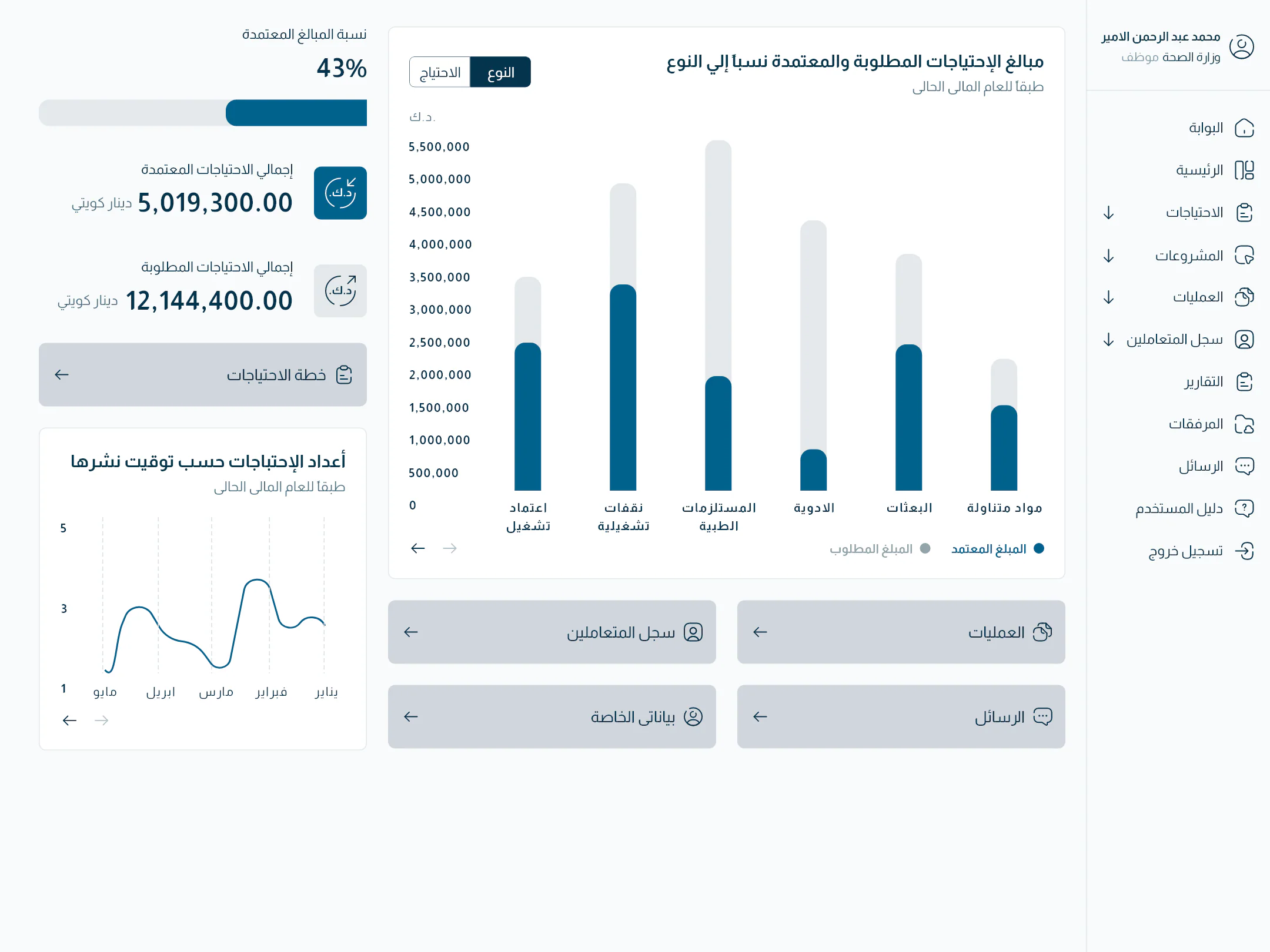
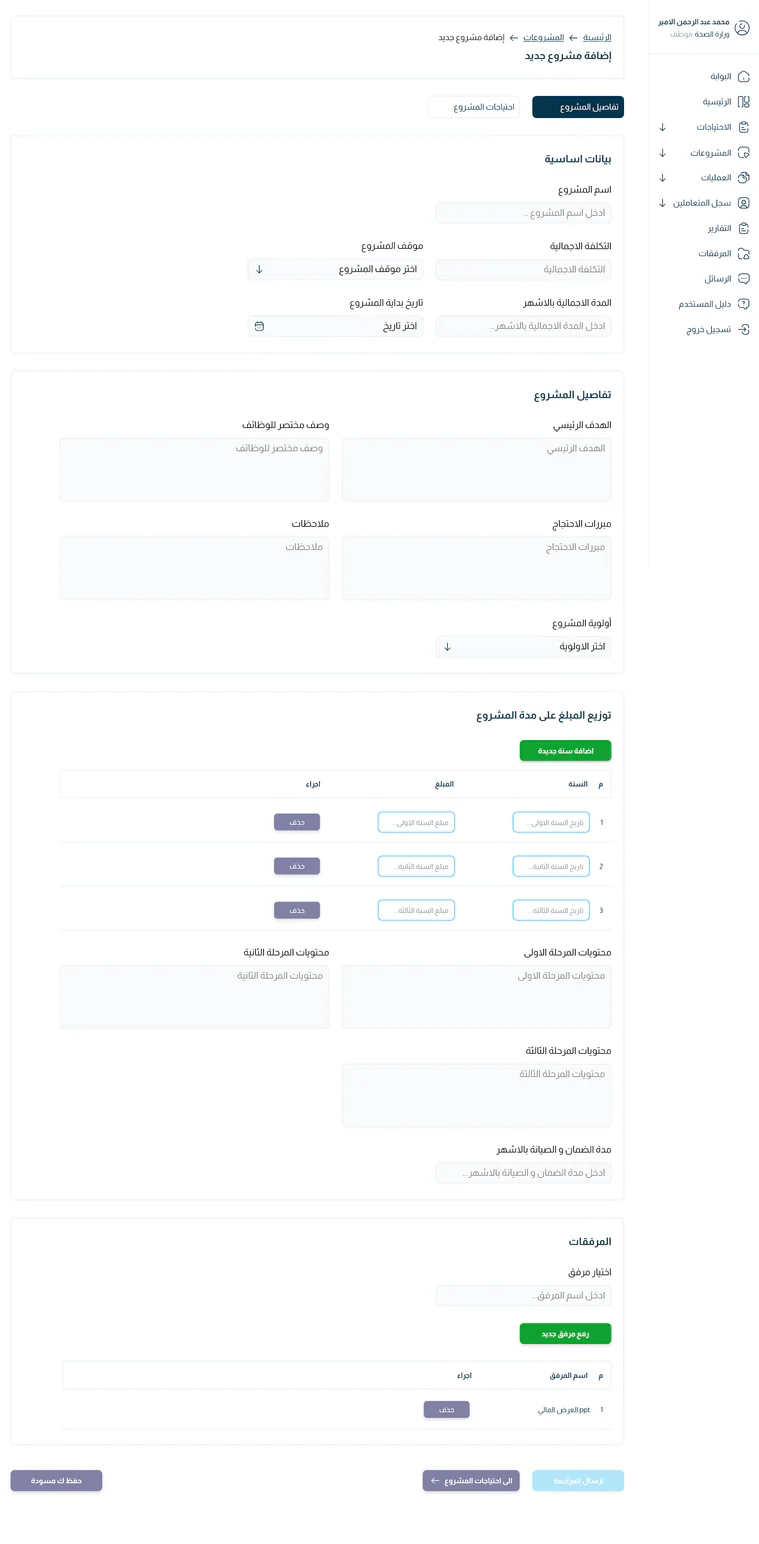
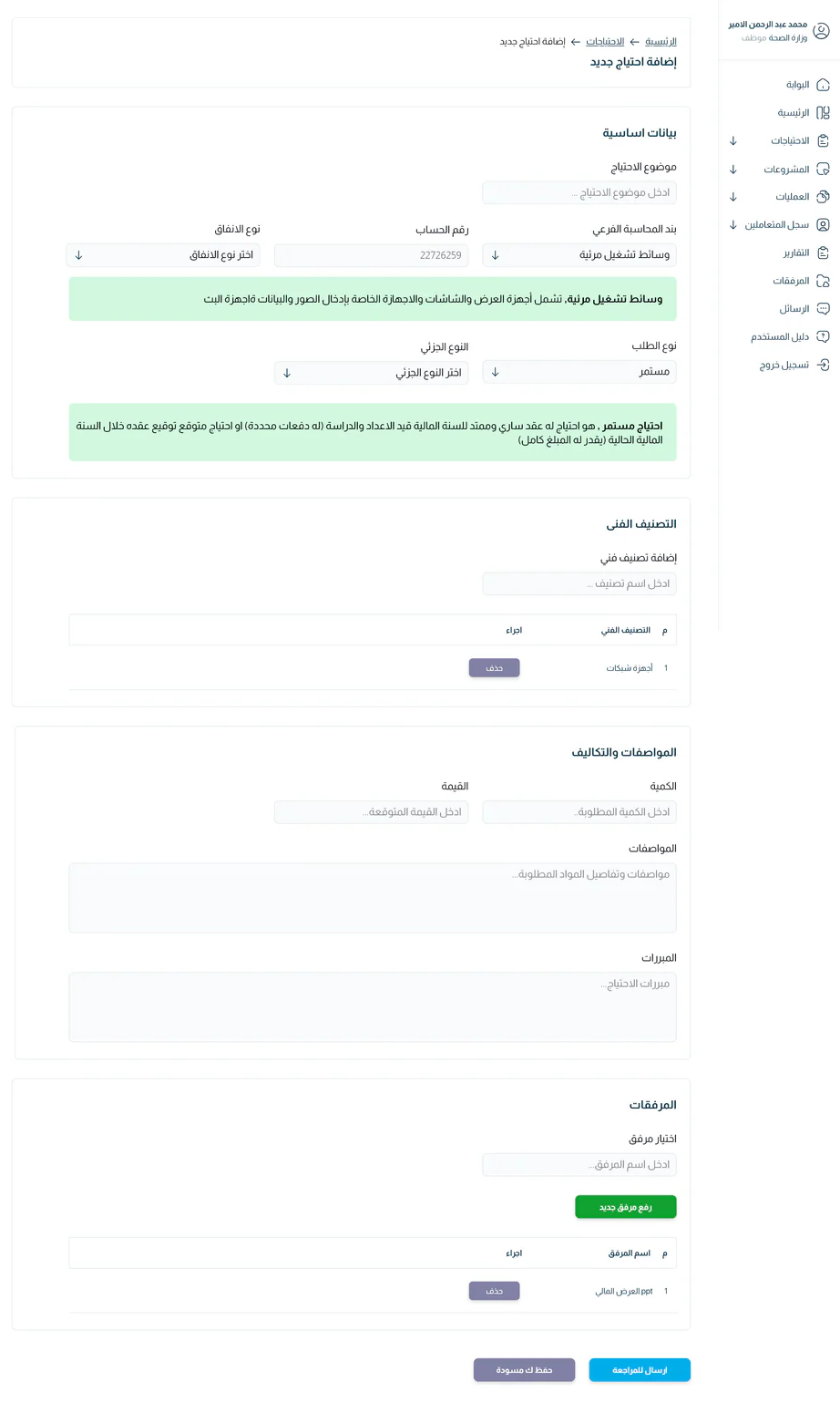
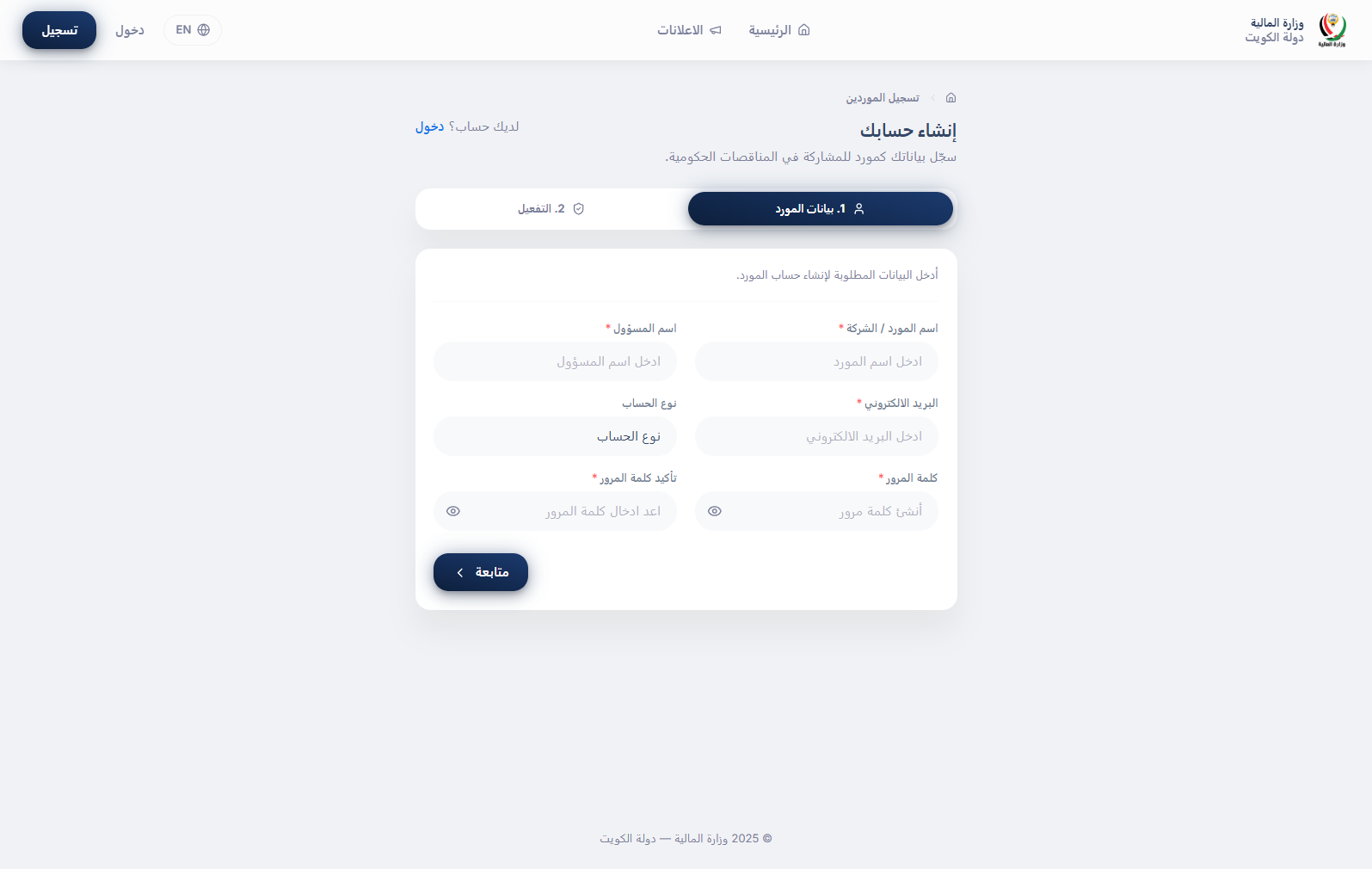
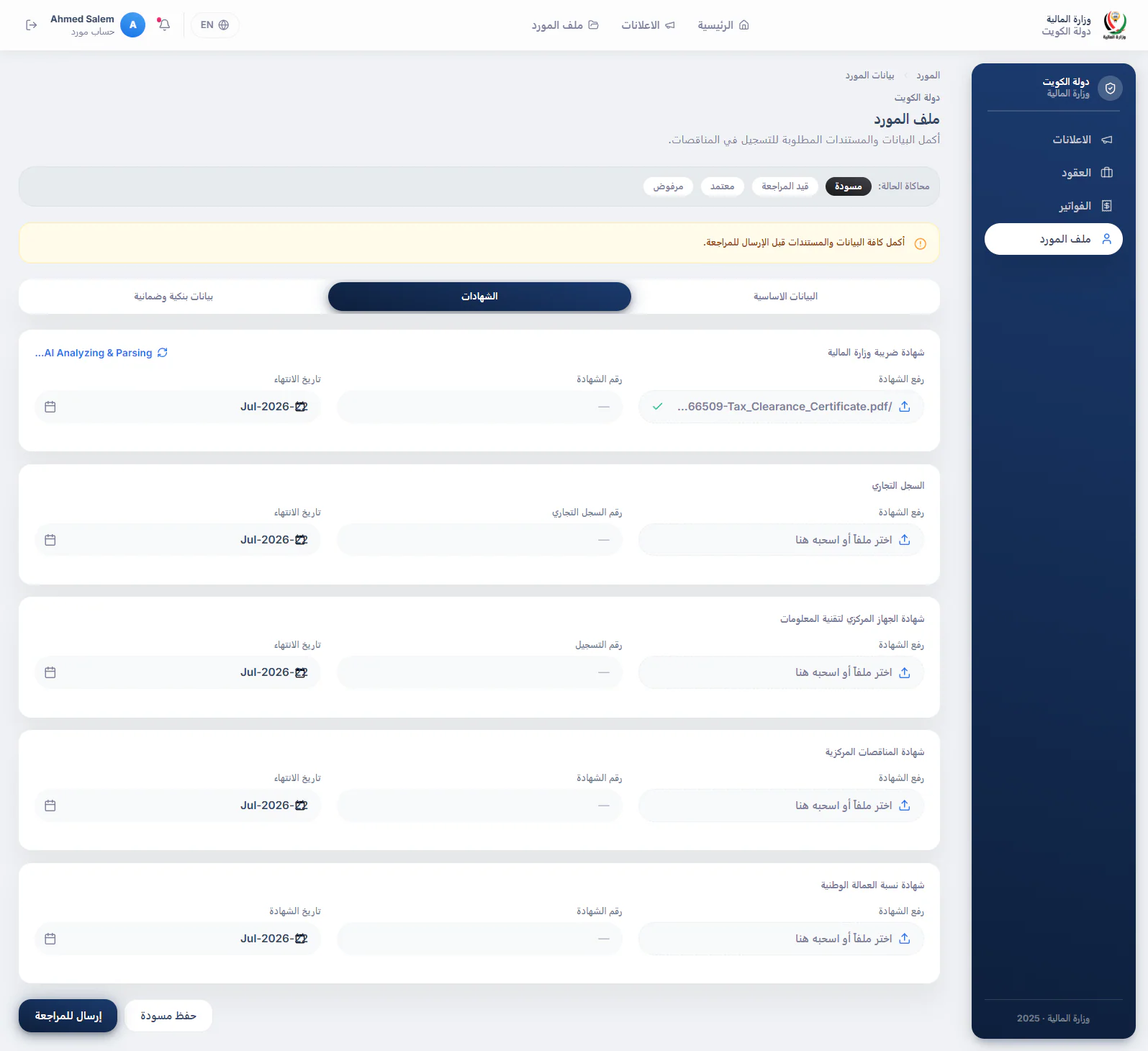
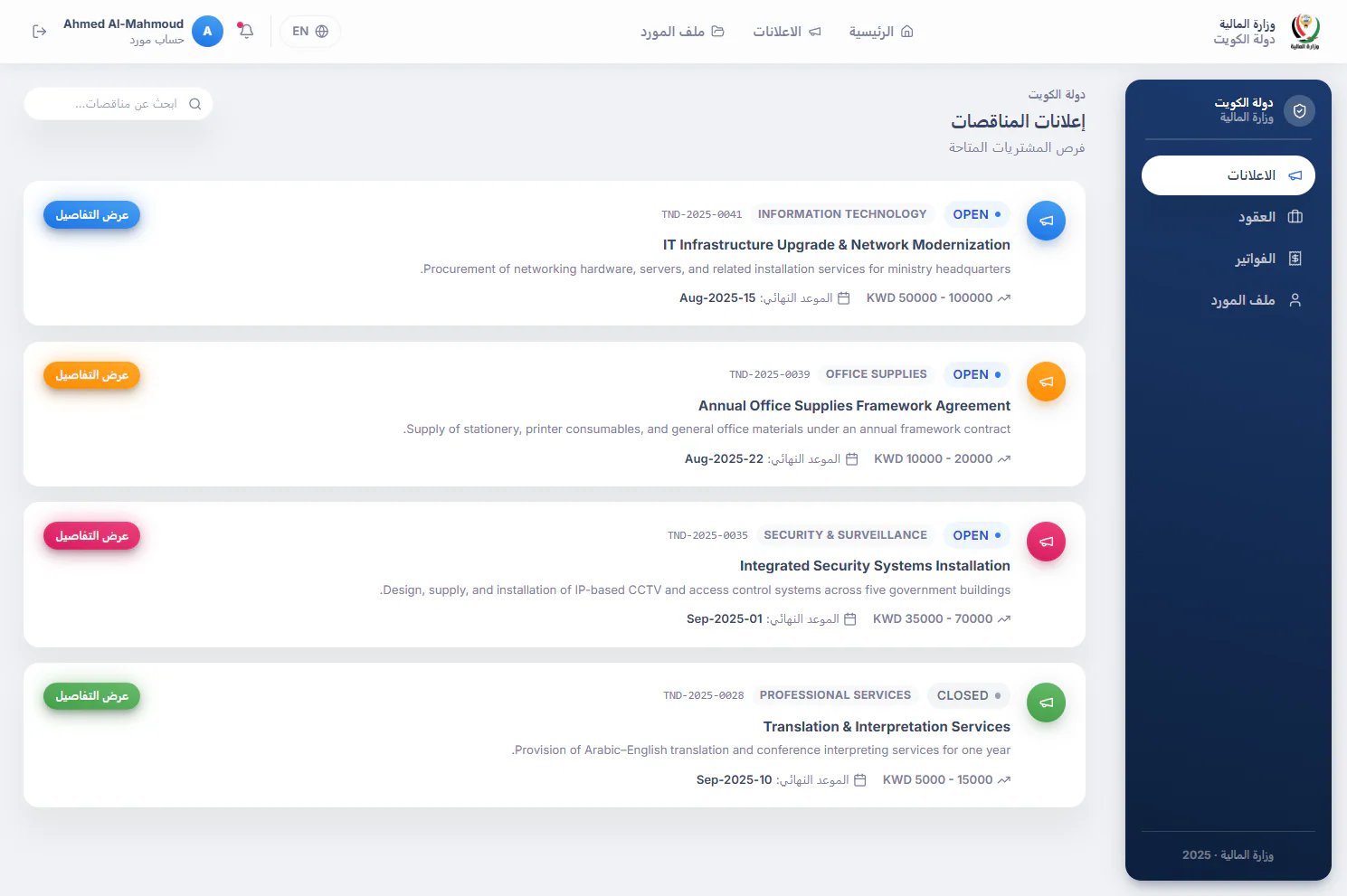
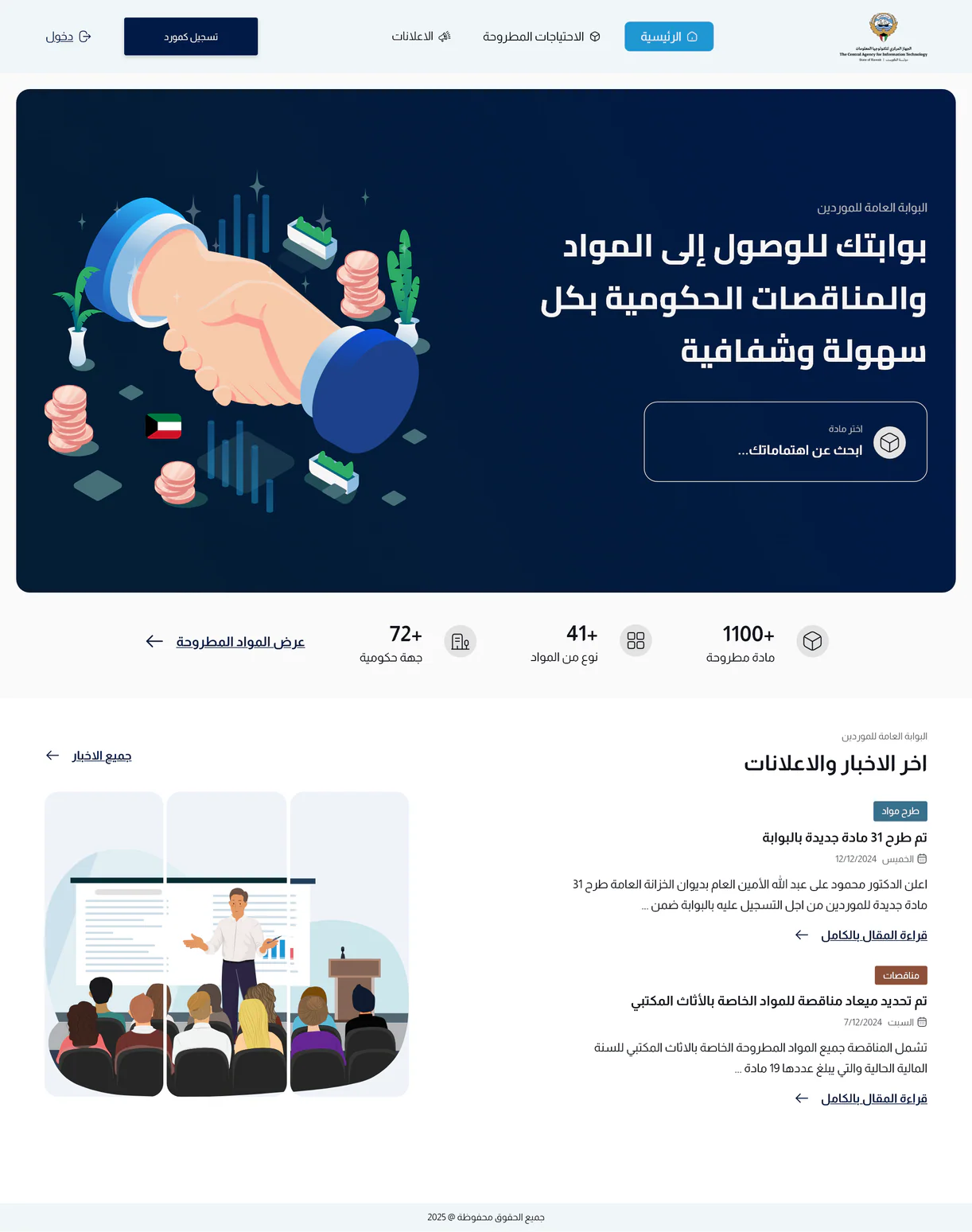
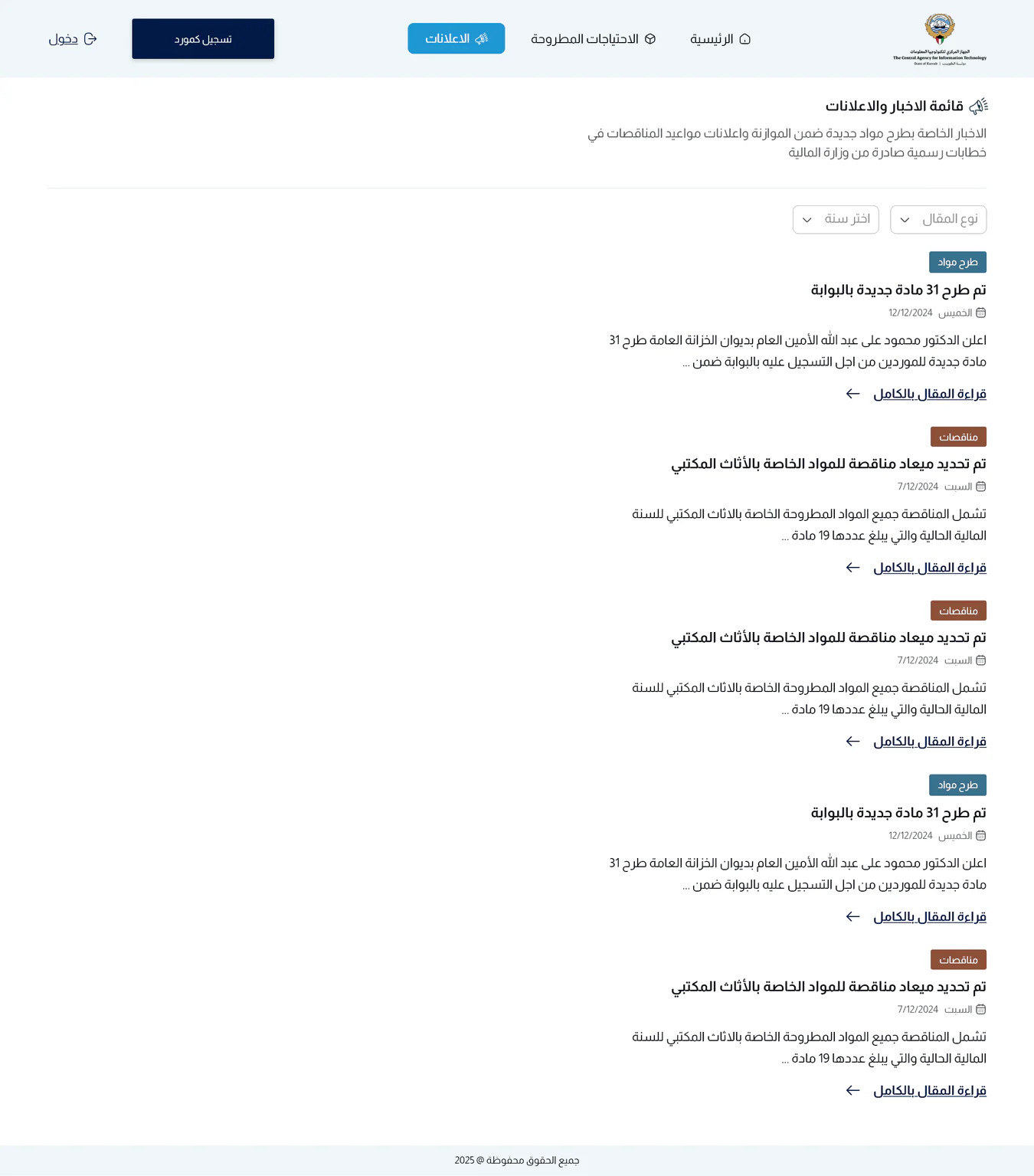
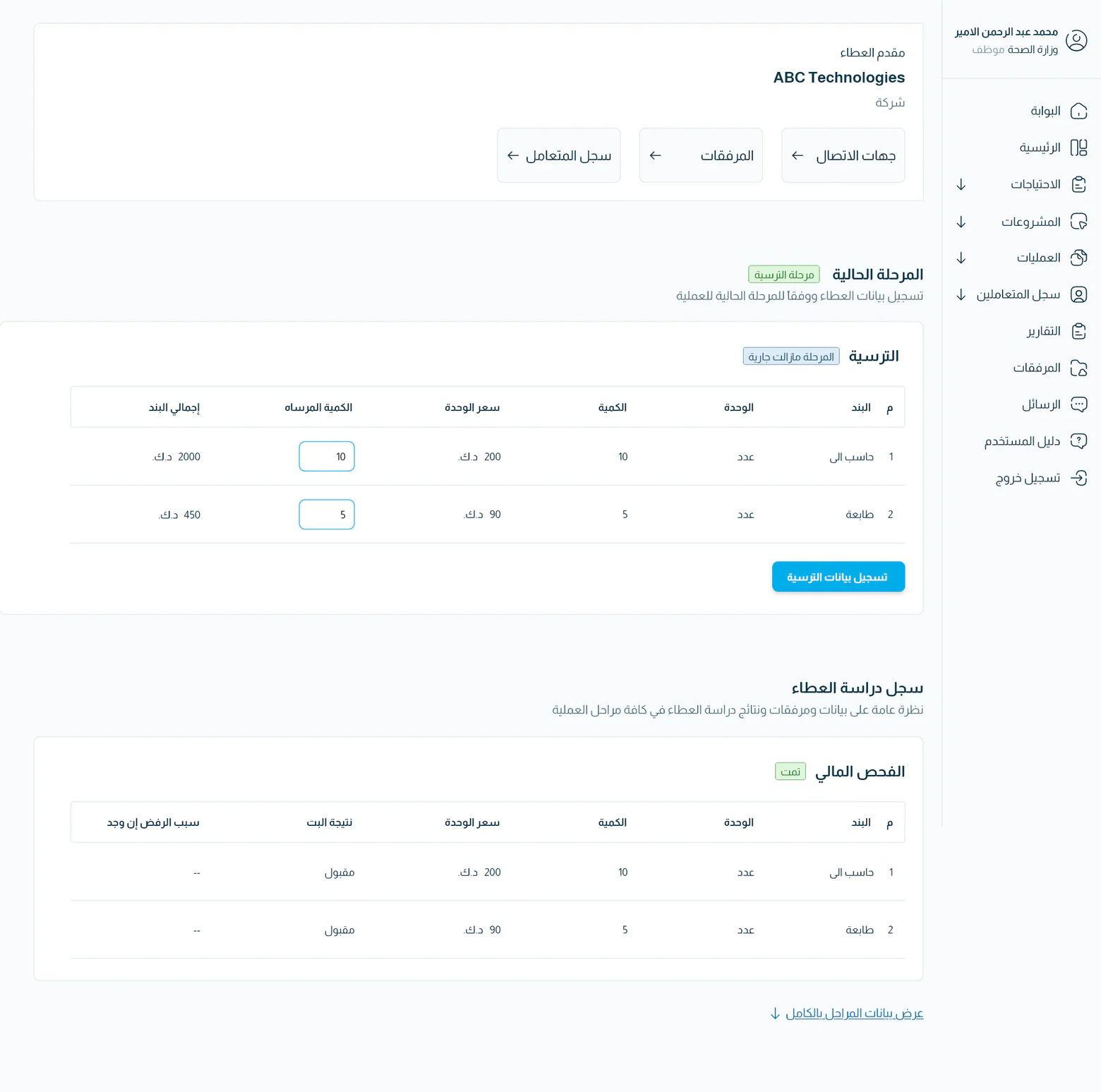
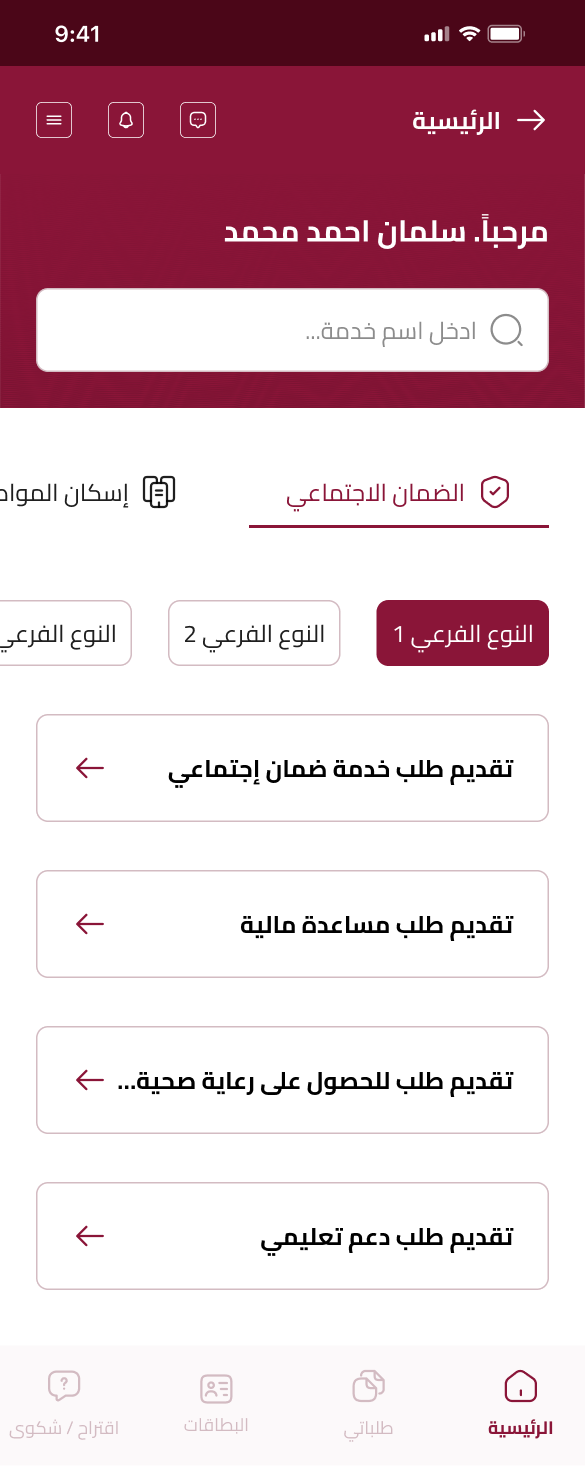
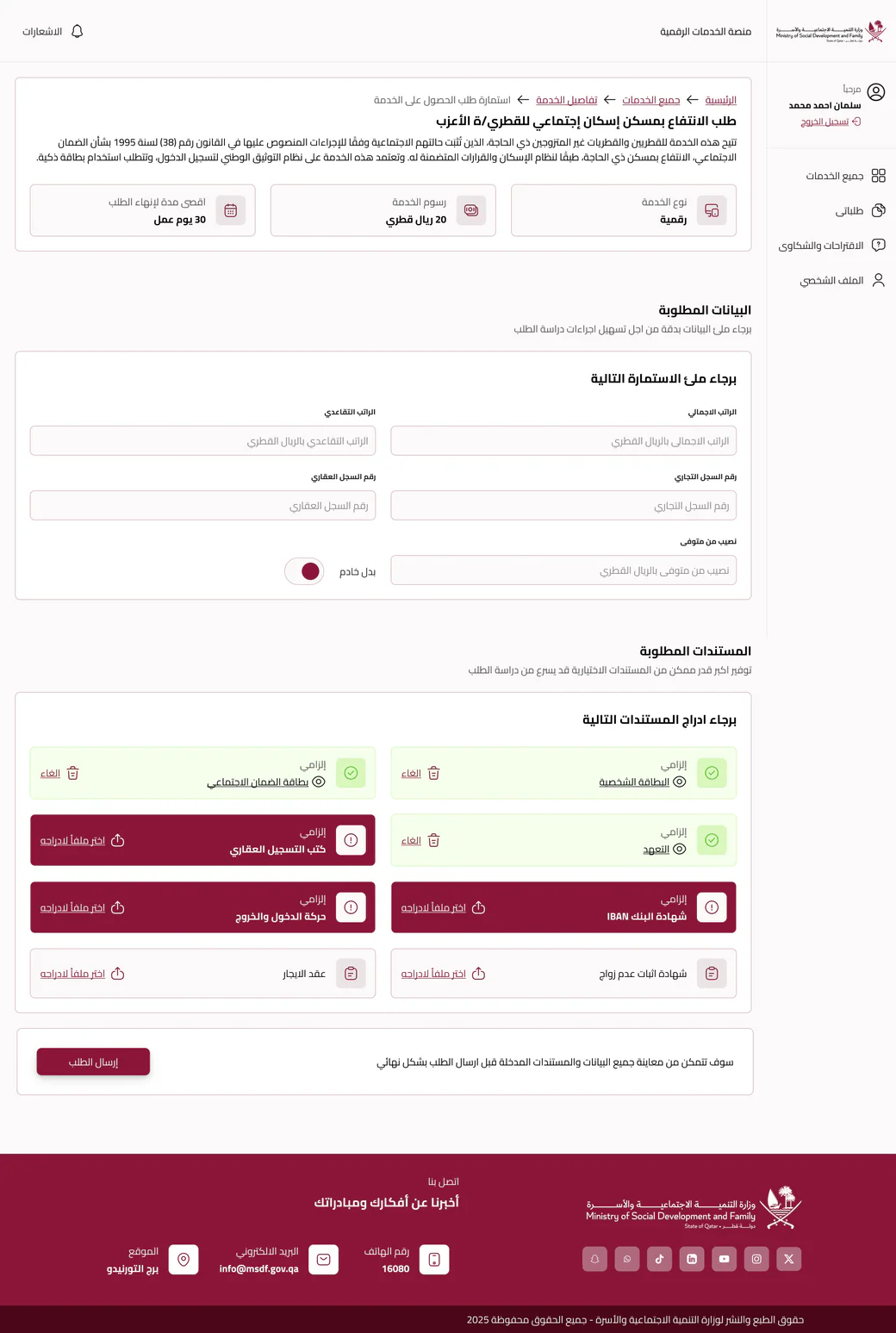
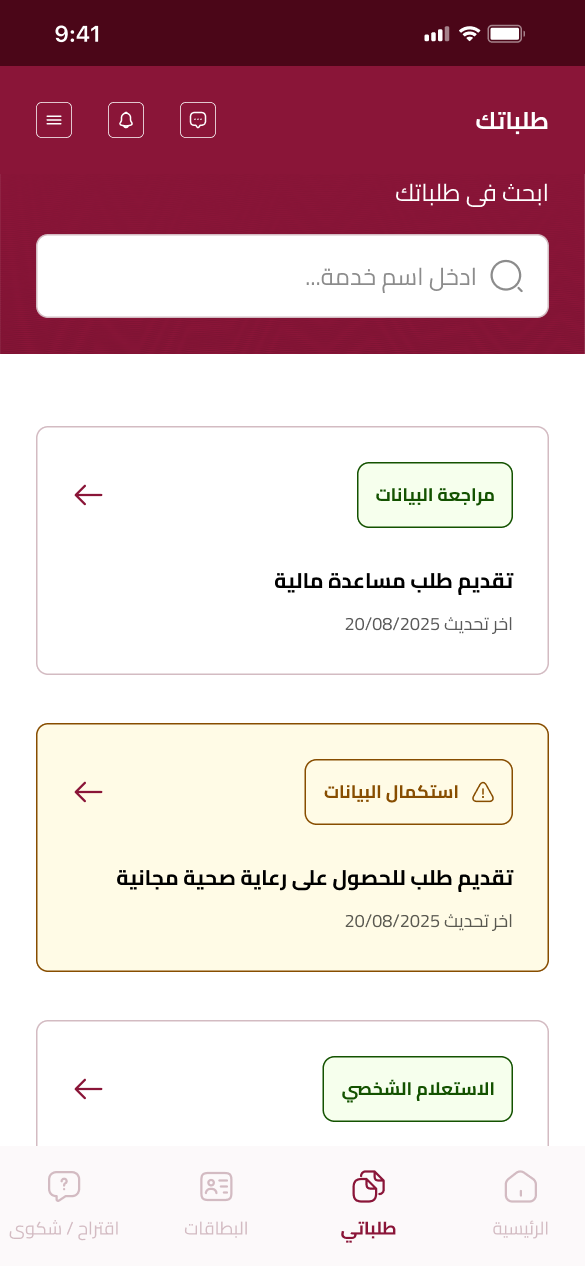
These are example screens; current releases and configurations may differ. Fields, documents and service stages vary by solution scope.
BlueLink’s Dynamic Government solution powers the Ministry of Social Development and Family’s digital e-services platform, connecting web and mobile service experiences.
Start with the business responsibility, then determine the right products and integrations for the organization.
No. The suite includes five core products that can be selected individually or in combination, depending on scope and organizational needs.
No. Each product has its own process. The map at the top is illustrative; the practical connections and implementation sequence depend on the selected solution design.
The visual gallery walks through screens for budgeting, vendor registration, eTendering and eServices, illustrating their module workflows. These are product images, not live applications; xDesk can be experienced in a guided walkthrough.
The suite supports a range of Azure platform and AI use cases. Confirm service availability, licensing, data governance and human review as part of the approved project scope.
Let’s map the products, workflows and service channels that fit your organization.
Talk to a solution expert Explore the portfolio